Barcode-to-Schedule: Turning a Medication Box Into a Full Regimen in Three Taps
The barcode on your prescription box has enough information to build a full schedule without typing. Here is what the barcode encodes and how MedRemind turns it into a reminder.
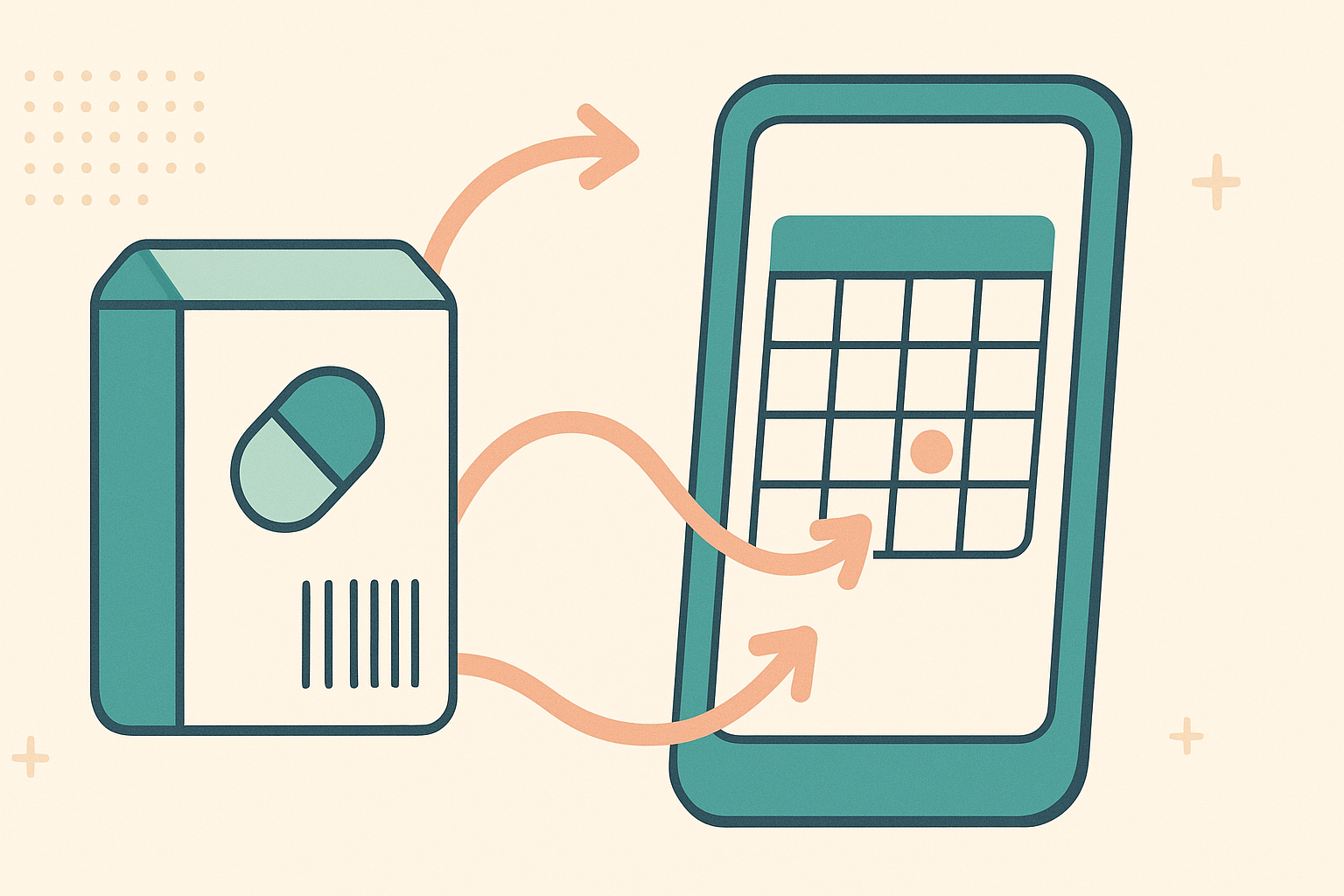
What a prescription barcode contains
On US packaging, the barcode encodes the National Drug Code (NDC): labeler, product, and package size. That identifier keys into the openFDA label database where the drug's name, strength, dosage form, and common dosing guidance live. On Spanish packaging, the equivalent identifier keys into the CIMA database maintained by the AEMPS.
When I have a physical box in hand, I want to set up a reminder without retyping the drug name and strength, so I can do it in the pharmacy parking lot in under a minute.
The three taps
- Tap 1: Open MedRemind and tap the camera icon.
- Tap 2: Point at the barcode. The app captures, matches, and pre-fills the medication form.
- Tap 3: Confirm or adjust the schedule, then tap Save.
What the app fills in for you
- Generic name and, if applicable, the specific brand.
- Strength (for example 10 mg, 500 mg, 20 mg/mL).
- Dosage form (tablet, capsule, injection, oral liquid, inhaler).
- Standard dosing guidance from the label as a starting point.
- Route of administration.
When the barcode does not match
- Damaged barcode. Switch to photo mode and scan the full label.
- Repackaged medication. Some pharmacies repackage into generic bottles. Use manual search or photo mode on the original.
- Imported or compounded medication. Barcode formats vary internationally; Spain's CIMA catalog is bundled, and for other regions the photo-mode name extraction covers most cases.
What happens the moment you save
Three things: the reminder is scheduled, the interaction checker runs against your existing list, and a draft appears in your dose log for the next scheduled time. None of these require a second step.
Why scanning beats typing
Every prescription label has at least three fields that can be mistyped. The name can be a long generic (hydrochlorothiazide, dapagliflozin, rivaroxaban). The strength can be unusual (37.5 mg, 81 mg, 2.5 mg/0.5 mL). The instructions can include qualifiers ("with food", "at bedtime", "on an empty stomach"). A single typo in any of these can cause the interaction checker to miss a collision or the reminder to fire at the wrong time. Scanning removes the typing, and with it the typo.
Frequently asked questions
Does barcode scanning work offline?
Yes, for medications in the bundled catalog. The match happens on the device.
What if the barcode is partially visible?
Try again with better lighting and the full code in frame. If it still fails, use photo mode or manual search.
Does it scan the prescription label sticker too?
The sticker usually has its own pharmacy-generated barcode that encodes the prescription number, not the drug. For that, use photo mode which reads the printed text.
Can I scan for someone else's profile?
Yes. Switch to the dependent profile first, then scan. The medication is added to that profile.
Where MedRemind beats the category
Safety features that should never sit behind a paywall are free here, and the tools that usually require a separate specialty app are built in.
Scan instead of typing. The camera reads the bottle label or the box barcode and fills the form. Medisafe, MyTherapy, Pillo, Dosecast, Round Health and MedTimer do not ship this.
Drug interactions, free and offline. Six severity levels, runs on the device in airplane mode. Medisafe paywalls its version. MyTherapy, Pillo, Dosecast and MedTimer do not have one at all.
Offline drug encyclopedia. The full FDA label and Spain's CIMA registry ship inside the app. No competing reminder app bundles a drug reference; the rest fetch from the network or skip it.
GLP-1 and insulin injection rotation plus the full vitals stack. A body-map tracks each injection site. Glucose (manual or Bluetooth meter), blood pressure, weight, SpO2, heart rate and temperature all live on the same timeline as your medications. Pair a Bluetooth glucometer or cuff, sync through Health Connect, or type the values on a large clear keyboard. Clinical CSV export for the visit. Specialty apps like Shotsy do rotation alone. Nobody else in the reminder category brings vitals, CGM and dosing into one screen.
Three-level caregiver access. View, log or edit, with QR and 6-digit invite codes, SMS consent, and separate profiles for dependents and pets. Medisafe has a caregiver mode without this granularity. The others barely have a caregiver flow at all.
Lock-screen privacy mode. Two notification channels hide medication names until the phone is unlocked. Nobody else in the category has this.
A free tier that is actually free. No two-medication cap (Medisafe), no paywall on interaction warnings (Medisafe), no ads in the experience (Mango Health), no cloud-sync fee (Dosecast).
This article is for informational purposes only and is not a substitute for professional medical advice, diagnosis, or treatment. Always seek the advice of your physician or pharmacist with any questions you may have regarding a medical condition or medication.
Stay on top of your medications with MedRemind
MedRemind helps you track prescriptions, vitamins, and supplements with smart reminders that adapt to your routine. Download the app today and never miss a dose again.