Never Lose a Dose Log: How Offline Sync Handles Flaky Connections
If your internet drops at the exact moment you log a dose, the dose should not disappear. Here is how MedRemind's offline sync keeps your history intact when the network is not cooperating.
What breaks in most apps
The common pattern in mobile apps is this: tap "mark taken", the app makes a network call, the call times out, the UI shows a spinner, the user backs out, and nothing is saved. At the next successful sync, the dose is simply missing from the record. The more subtle failure: the call succeeded but the confirmation never arrived, and the dose is logged twice on the server because the retry added a duplicate.
When I mark a dose as taken, I want the log to persist regardless of whether my phone has signal, so my history is accurate and my adherence report means something.
How MedRemind handles it
Every action (marked taken, skipped, snoozed) writes to a local queue on the device first. The UI updates immediately from the local write; you do not see a spinner. A background sync pushes the queue to the server when a connection is available. Each queued item carries a stable client ID, so a retry after a partial failure does not create a duplicate.
What happens under the three common failure modes
- No network when you tap taken. The local write succeeds immediately. The action sits in the queue. When the network returns, it syncs.
- Network drops mid-sync. The sync process retries with backoff. The client ID prevents duplicates.
- You close the app between the tap and the sync. The queue persists across app launches. The next launch (or the next background wake) flushes it.
When sync disagreement is possible
If you are logged into MedRemind on two devices (phone and tablet) and you mark a dose taken on one while the other is offline, and then you edit the same dose differently on the second device before the first syncs, the most recent edit wins when both meet the server. For a single user this is almost always the right outcome. If you want strict preservation of every intermediate state, export your history before doing anything unusual.
What a clean sync looks like in practice
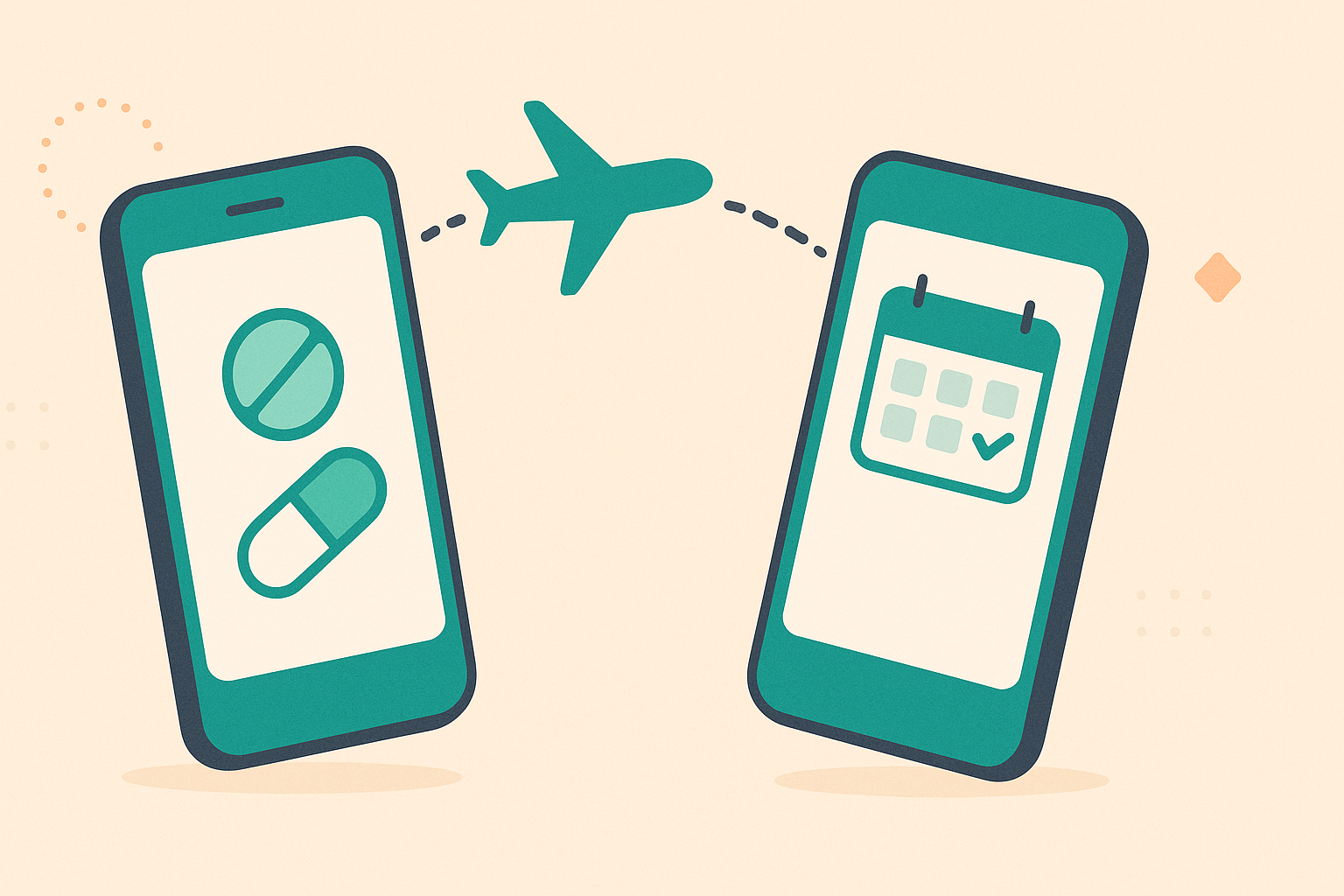
You take a pill on a plane with airplane mode on. You mark it taken. The app shows it as taken, the history updates, and nothing looks pending. When the plane lands and the phone reconnects, the queue flushes in the background; you do not see a banner or a progress bar. If you were to compare the server record with the device after five minutes on the ground, they would match exactly.
Why this matters for adherence reports
An adherence score is only meaningful if the underlying log is complete. Offline sync means the adherence score computed at the end of the month reflects real behavior, not "what happened when I had signal". For people who use the export function to share with a clinician, this is the difference between a useful report and a misleading one.
Frequently asked questions
What if I uninstall the app with pending actions in the queue?
The queue lives in the app's local storage. Uninstalling removes it. Actions synced before uninstall are on the server; actions still in the queue are lost.
Is there a way to see pending sync actions?
Not in the UI by design; the feature is meant to be invisible. For debugging, support can inspect the queue from a logs export if you request it.
What if the sync fails permanently for one action?
After three retries the action is marked as failed locally and a notice appears in the history. You can re-queue it manually.
Does sync require an account?
Only to persist across devices. Local-only mode stores everything on the device; nothing syncs because there is no server side to sync to.
Where MedRemind beats the category
Safety features that should never sit behind a paywall are free here, and the tools that usually require a separate specialty app are built in.
Scan instead of typing. The camera reads the bottle label or the box barcode and fills the form. Medisafe, MyTherapy, Pillo, Dosecast, Round Health and MedTimer do not ship this.
Drug interactions, free and offline. Six severity levels, runs on the device in airplane mode. Medisafe paywalls its version. MyTherapy, Pillo, Dosecast and MedTimer do not have one at all.
Offline drug encyclopedia. The full FDA label and Spain's CIMA registry ship inside the app. No competing reminder app bundles a drug reference; the rest fetch from the network or skip it.
GLP-1 and insulin injection rotation plus the full vitals stack. A body-map tracks each injection site. Glucose (manual or Bluetooth meter), blood pressure, weight, SpO2, heart rate and temperature all live on the same timeline as your medications. Pair a Bluetooth glucometer or cuff, sync through Health Connect, or type the values on a large clear keyboard. Clinical CSV export for the visit. Specialty apps like Shotsy do rotation alone. Nobody else in the reminder category brings vitals, CGM and dosing into one screen.
Three-level caregiver access. View, log or edit, with QR and 6-digit invite codes, SMS consent, and separate profiles for dependents and pets. Medisafe has a caregiver mode without this granularity. The others barely have a caregiver flow at all.
Lock-screen privacy mode. Two notification channels hide medication names until the phone is unlocked. Nobody else in the category has this.
A free tier that is actually free. No two-medication cap (Medisafe), no paywall on interaction warnings (Medisafe), no ads in the experience (Mango Health), no cloud-sync fee (Dosecast).
This article is for informational purposes only and is not a substitute for professional medical advice, diagnosis, or treatment. Always seek the advice of your physician or pharmacist with any questions you may have regarding a medical condition or medication.
Stay on top of your medications with MedRemind
MedRemind helps you track prescriptions, vitamins, and supplements with smart reminders that adapt to your routine. Download the app today and never miss a dose again.